
Once you have made your changes:
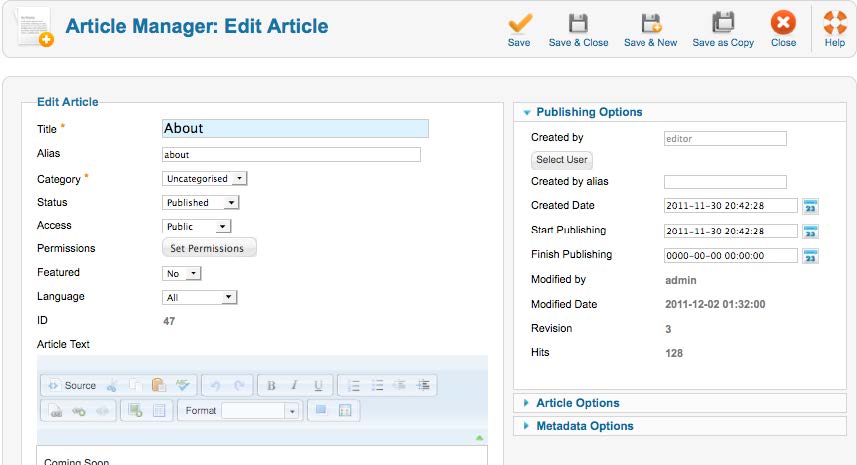
- Click the “Save” icon to view the changes and keep the editor window active.
- Click the “Save & Close” icon to publish the changes and exit the editor window.
- Click the “Save & New” icon to publish the changes and open a new blank page.
- Your changes will be published to the website in real-time.
- If you feel uncomfortable with the changes you have made and have not yet saved, simply hit the back arrow button found in the middle of the top row of editor tools.
- If you want to start over and have not hit Save, hitting “Close” instead of Save will exit the page without saving changes.