
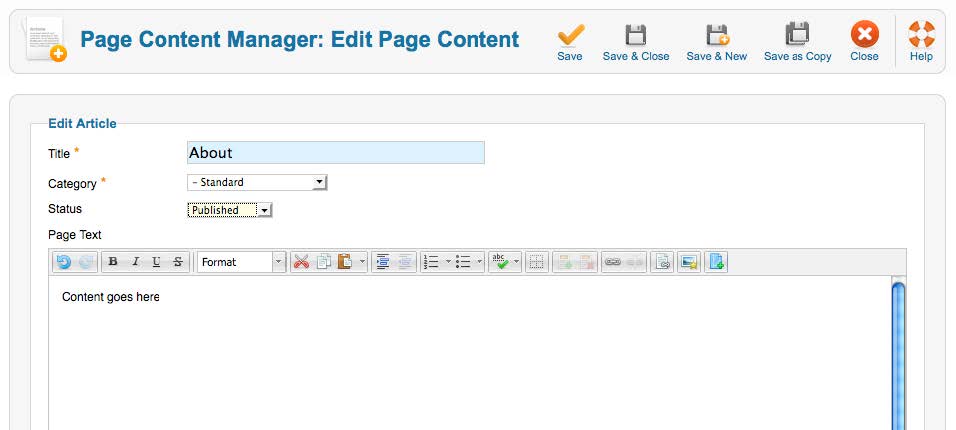
You will be able to edit your articles in an editor similar to popular word processors. You are given a toolbar of useful tools including list-making, linking and indentation tools.
Important Note: Content produced in productivity software such as Microsoft Word or Excel often carries with it formatting language that goes unseen. In most cases, your Revel CMS strips this code when you copy and paste your content into the CMS editor. Should you experience an abnormal copy-and-paste situation:
- Copy the text from Word or Excel.
- Paste the content into Notepad or Text Edit to clear any extraneous, hidden formatting these programs may place on text.
- Confirm your editor is in “Plain Text” mode.
- Copy the text again from Notepad or Text Edit.
- Paste the content into the CMS editor.
- This will make your website and browsers everywhere very happy.